
Sending API Commands
The Console Tab also allows commands to be sent directly to DisplayNet API running on the server. This can be done using the "Command Terminal" section located below the "Activity Log" in the "Console Tab".
Click into the Command Terminal, type the command, and press the "Enter" key to send the command. The command will be shown in the Activity Log panel. Its response will also be shown if the "Show Output" box is checked.
The command terminal processes both DisplayNet API commands via DisplayNet server and SDVoE API commands via the BlueRiver API ™.
Command to execute:
- 'config set FireTV_Bot_Left dev.DefaultDisplayMode genlock'
Type the command into the terminal as shown below:
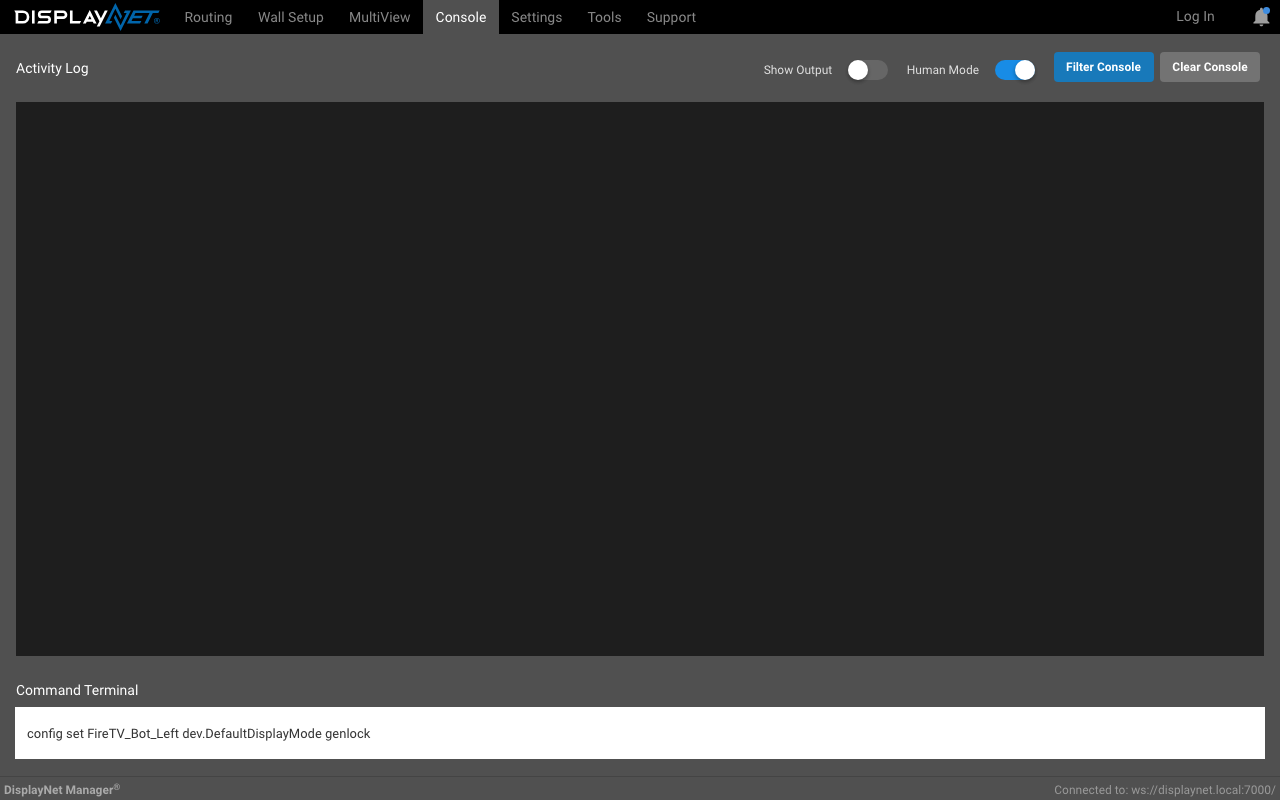
- Now, press the enter key, which will send the command to DisplayNet Server to be processed.
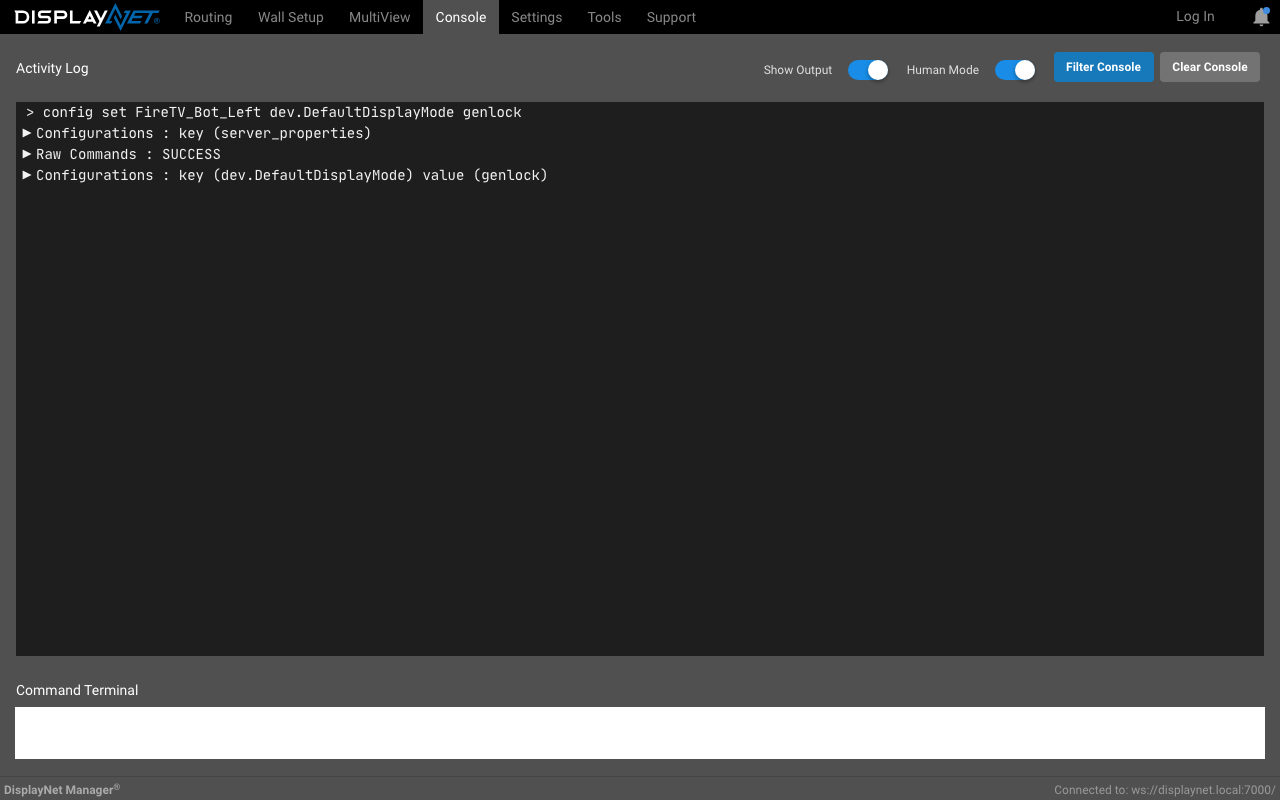
Here, you can see the result of the command in the Activity Log panel along with the response from the server.
Tips
Previously sent commands may be recalled from within the terminal by pressing the "Up" and "Down" arrow keys on the keyboard.
If the user wishes to send multiple commands at once, creating a script is the best way to do so.
See the DisplayNet API Manual for a full list of DisplayNet API commands.