
Thumbnails Tab
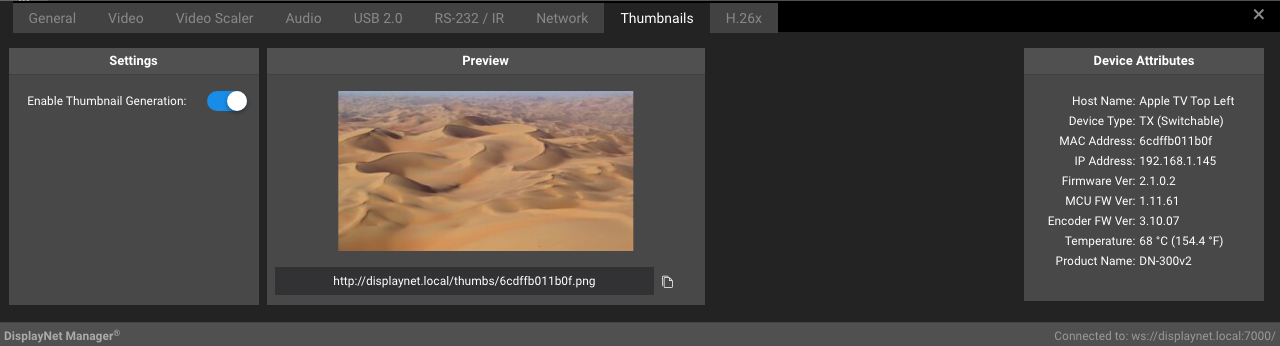
Thumbnails allow previewing of video sources. When the Thumbnails feature is enabled, the Thumbnails Tab displays a thumbnail of the video signal that is currently routed to the selected DisplayNet device.
The thumbnails are updated in DisplayNet Manager once a second.
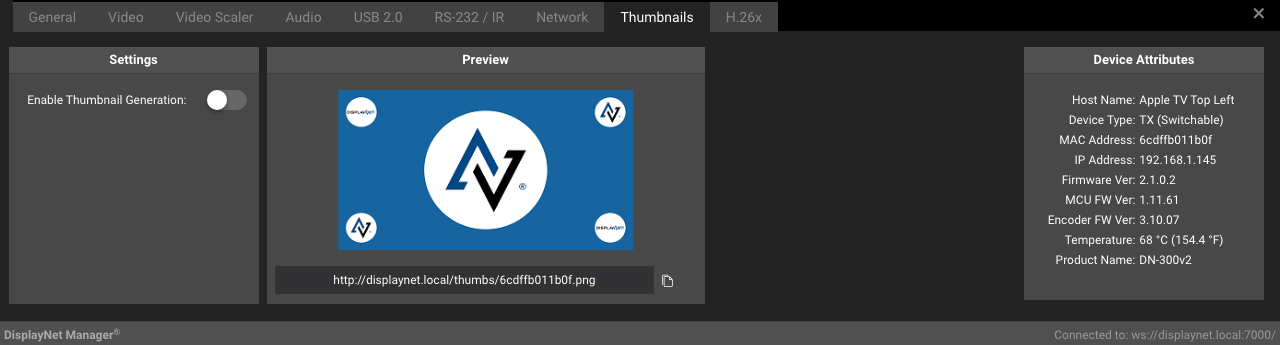
When the Thumbnails feature is disabled, the Thumbnails Tab displays the default DisplayNet logo screen.
Settings Panel
The following settings are available in the Settings Panel of the Thumbnails Tab for transmitters:
| Setting | Description |
|---|---|
| Enable Thumbnail Generation | Enables or disables the thumbnail feature. |
Preview Panel
The following settings are available in the Preview Panel of the Thumbnails Tab for transmitters:
| Setting | Description |
|---|---|
| Preview Image | The Preview image displays a thumbnail of the video signal that the device is currently receiving. |
| Thumbnail URL | The URL of the thumbnail. |
| Copy Icon | Copies the URL of the thumbnail to the clipboard. |