
USB HID Tab
The USB HID tab contains device settings and information related to the USB HID routing functionality of each DisplayNet Device.
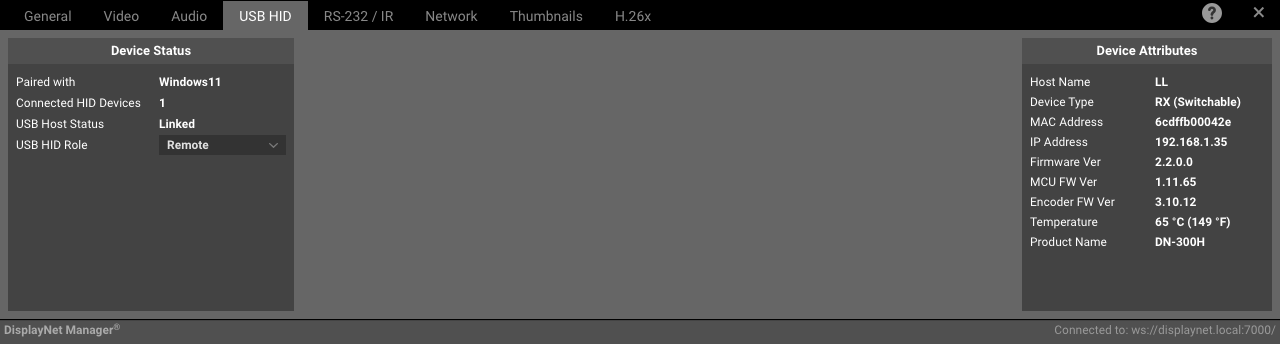
Device Status Panel For Receivers
Device Status Panel For Transmitters
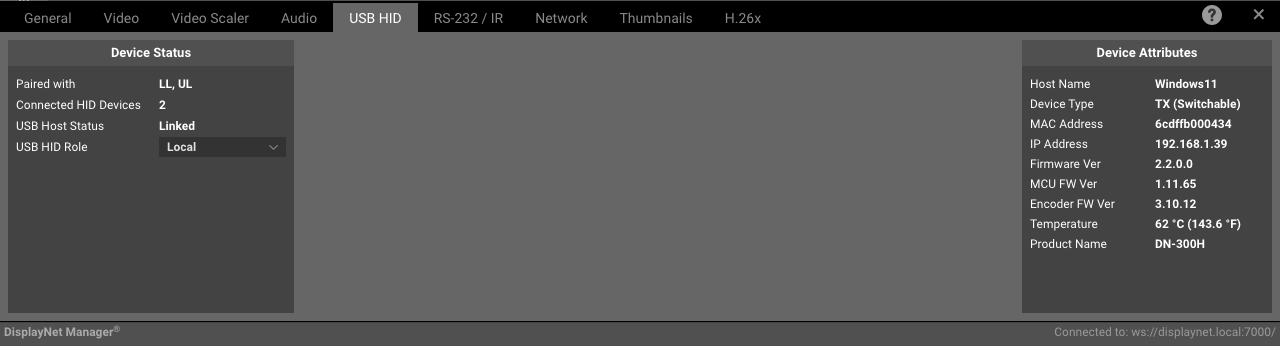
The following settings are available in the Device Status Panel in the HID Tab:
| Setting | Description |
|---|---|
| Paired with | The name of the device that the current device is paired with. |
| Connected HID Devices | The number of HID devices that are currently connected to the device. |
| USB Host Status | The status of the USB Host. |
| USB HID Role | The device's USB HID extender role e.g., Local or Remote. |
Example Scenario
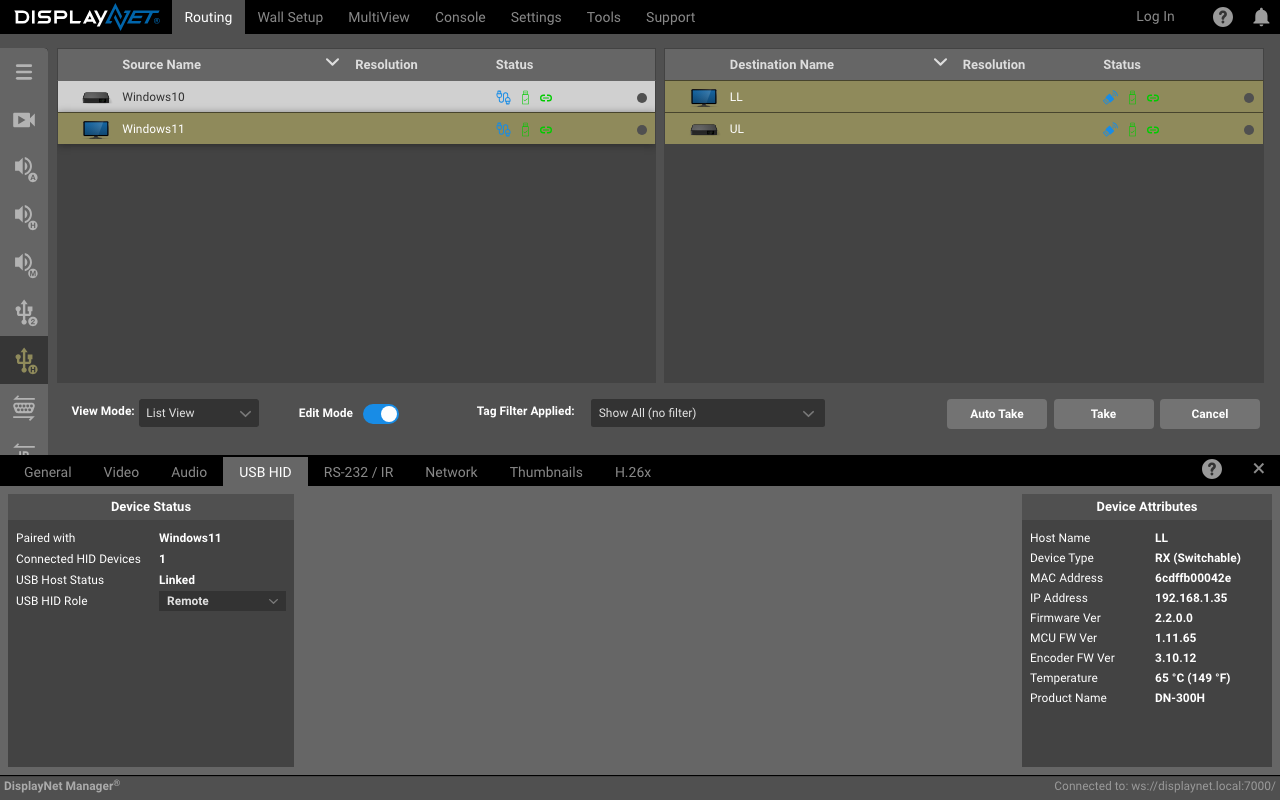
In a above scenario, two Remote HID devices (named LL and LR) are routed to a single Local destination (named Windows 11) demonstrating the ability to route multiple HID devices to a single destination. This is known as Collaborative Mode.