
Notification Center
| The Notification Center is used to display system notifications and messages from DisplayNet Manager. These notifications can be informational, warnings or errors. To open the Notification Center, click the Notification Center Bell, which is located on the top right of DisplayNet Manager. If there are new unseen notifications, there will be a round indicator on the top right of the bell the color of which is the highest severity. For example, blue is information, yellow is warning and red is an error. |  |
Floating notifications are seen immediately when they occur, but hide after a few seconds and can be viewed by opening the Notification Center by clicking on the notification bell. This is an example of a warning floating notification.

Once the Notification Center is opened by clicking the Notification Center Bell the notifications can be cleared by clicking on the "Clear All" button on the top right of the Notification Center.
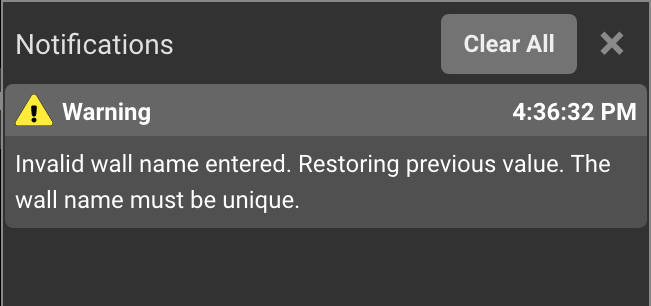
Notifications that have repeated are grouped together. In this example, there are 3 notifications that have repeated.
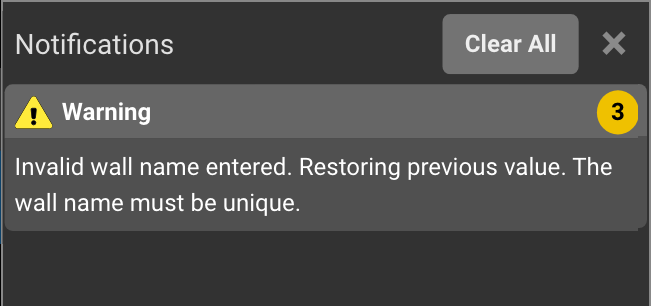
Click on the number on the right of the notification (in this case, the 3) to expand the group to see when the messages were received.
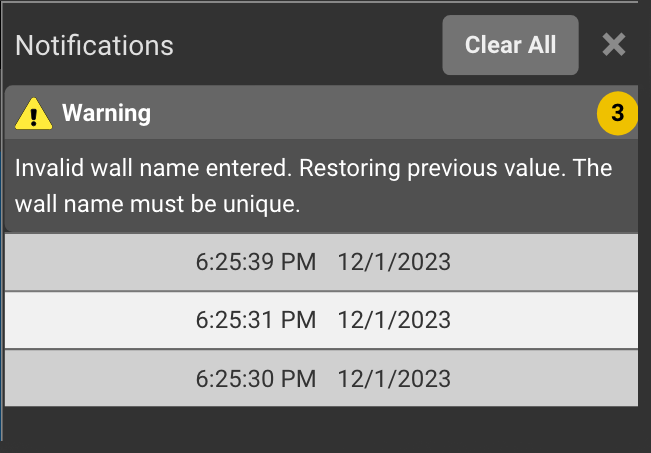
Clicking on the numeric icon again to collapse the expanded group.