
Video Layer
DisplayNet transmitters and receivers each include an HDMI port. To route video from a source to one or more destinations, use the Video Layer. In this layer, each device row will show information such as Device Icon, Host Name, Resolution, and Status Icons. When performing routing in the Video Layer, the embedded audio will always follow the video from source to destination, and is accessible in Genlocked Mode.
The Video Layer is color-coded blue.
It also displays any saved multiview configurations as Sources and saved wall configurations as Destinations. Please note, multiview configurations cannot be routed to walls.
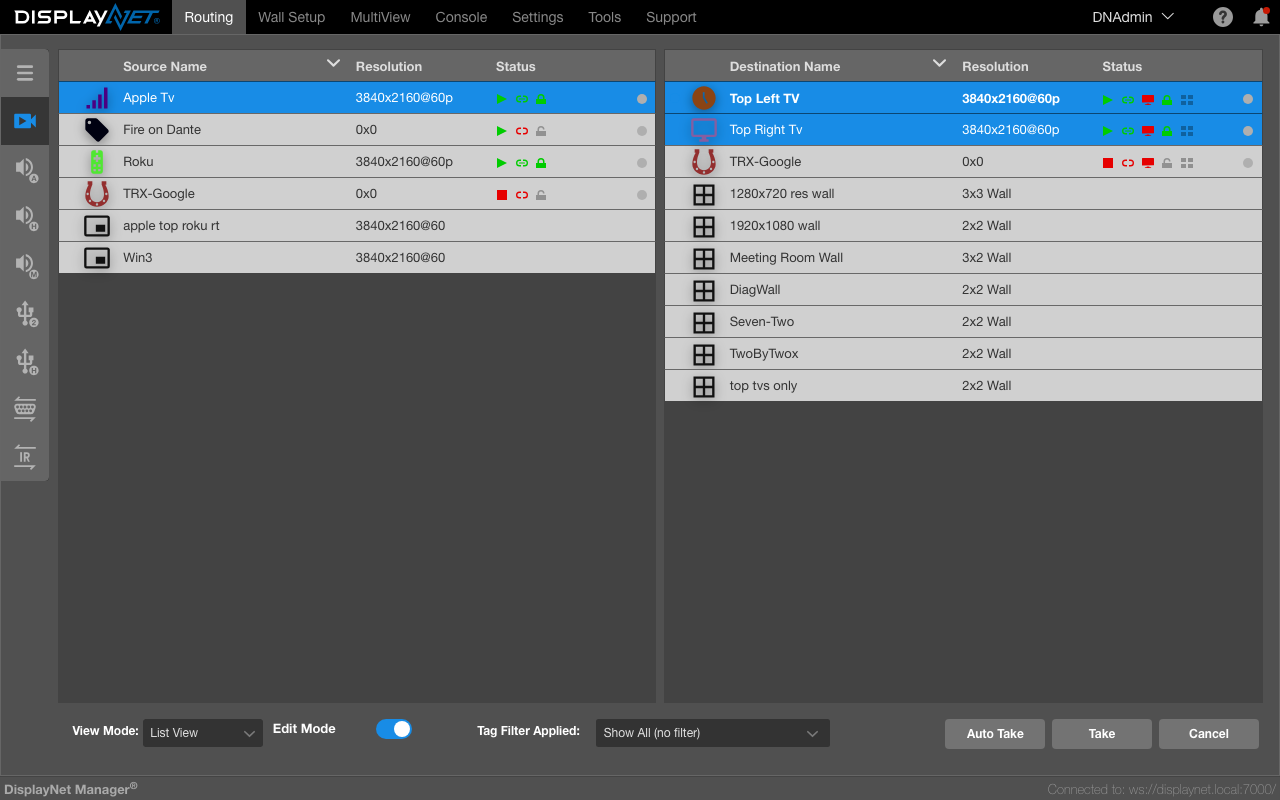
Video Controls
In the Video Layer, the Device Row SubMenu gives users the ability to control the video stream. On transmitters, the user may stop and start the video stream, while Receivers have the option to leave the video stream.
Stopping and Starting Video on Transmitters
To stop the TX from sending its video stream over the 10GbE connection, select "Stop Video."
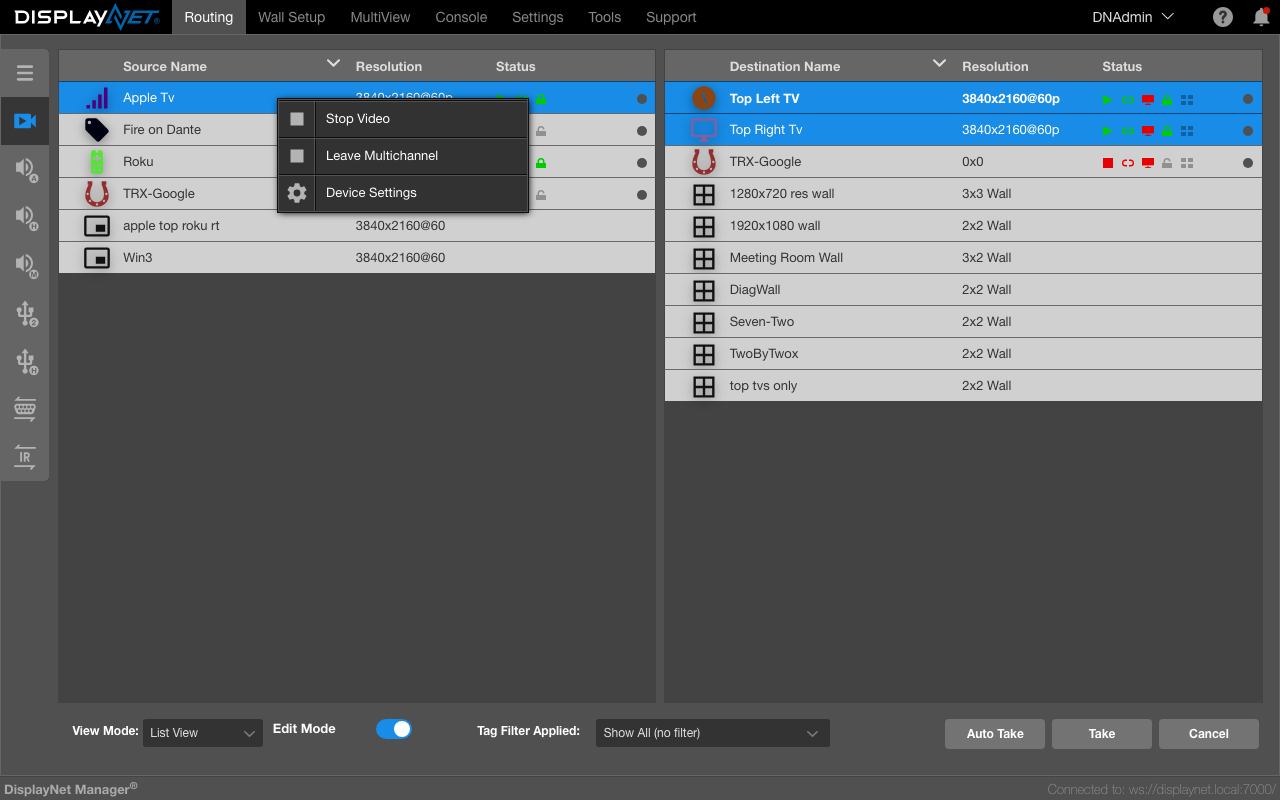
The video stream from the TX will stop, though the TX will retain its multicast address and any connected RX devices will remain subscribed to the group.
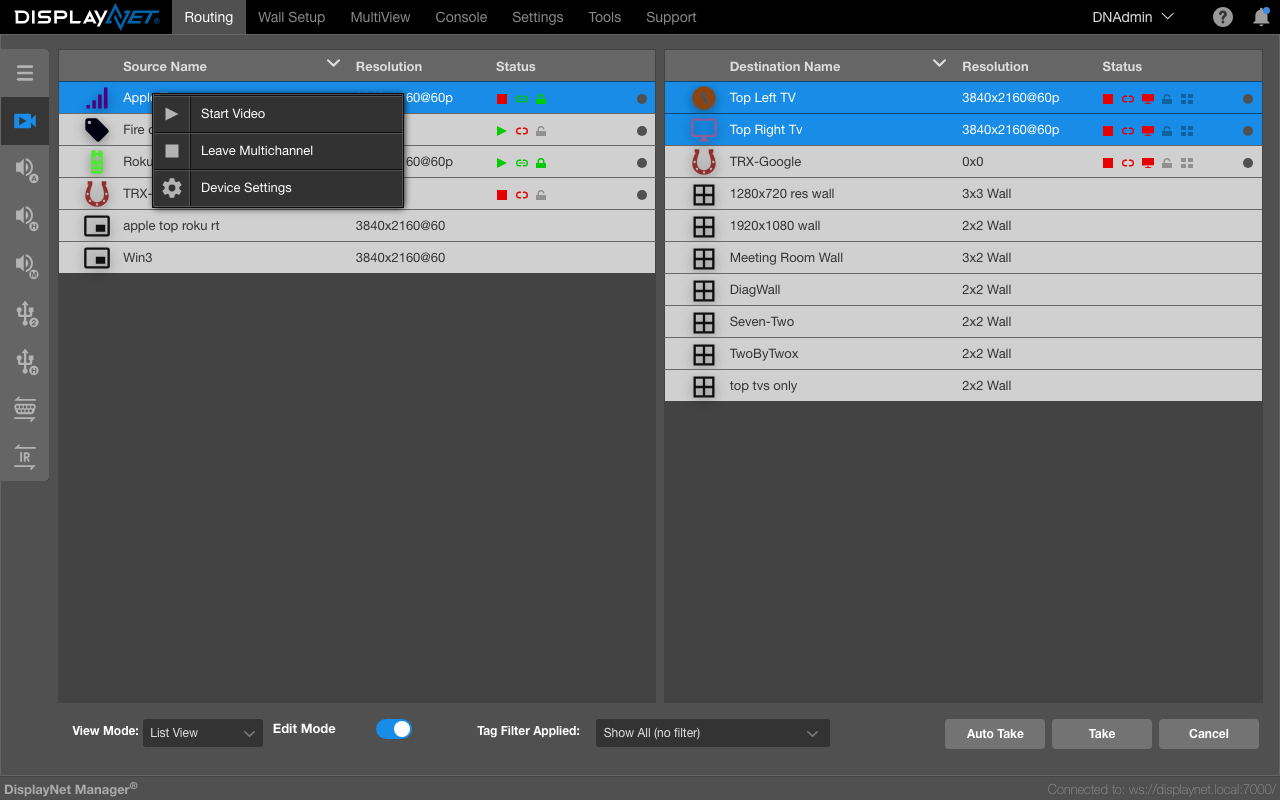
The Source Device Row will display the video stopped icon  in the Status column.
Any monitors connected to genlocked RX devices will lose signal. Any monitors connected to Fast Switched receivers will be provided with a full field black signal at the last known resolution and will not lose sync. The last known resolution will continue to be shown in the device row and the Device Settings. To restart the video, right-click on the source and select "Start Video."
Leave Video on Receivers
Receivers have the option to leave the multicast group to which they are subscribed. When this is done, the receiver will not be subscribed to any source video stream.
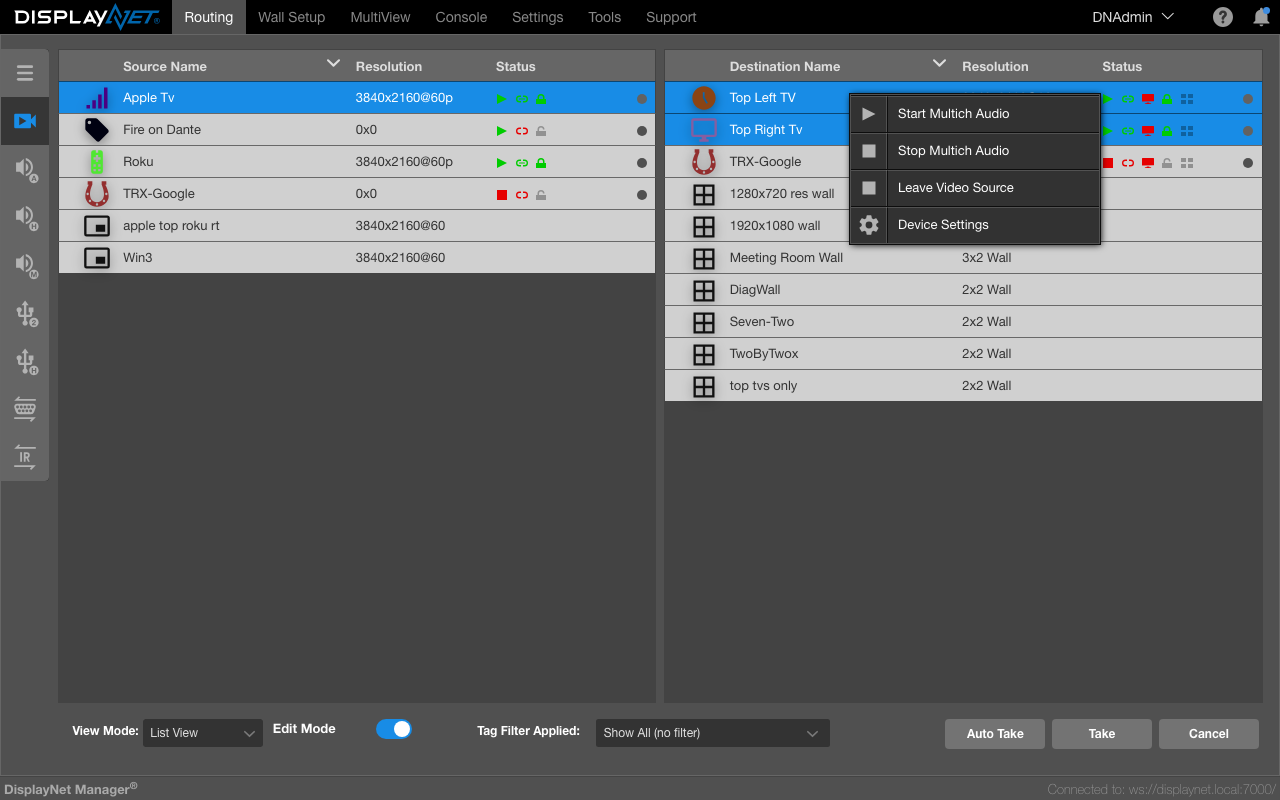
The Destination Device Row will display the video inactive icon as well as the video source disconnected icon  .
In this case, the video cannot be restarted.
To show any video signals after leaving a source, the receiver must again be joined to a transmitter.
As the RX device is no longer subscribed to a video multicast group, 0x0 will be shown instead of the last source resolution in the device row and Device Settings.
.
In this case, the video cannot be restarted.
To show any video signals after leaving a source, the receiver must again be joined to a transmitter.
As the RX device is no longer subscribed to a video multicast group, 0x0 will be shown instead of the last source resolution in the device row and Device Settings.
Routing Video To A Wall
This is explained in the routing video to a wall section of the Wall Setup Tab documentation.