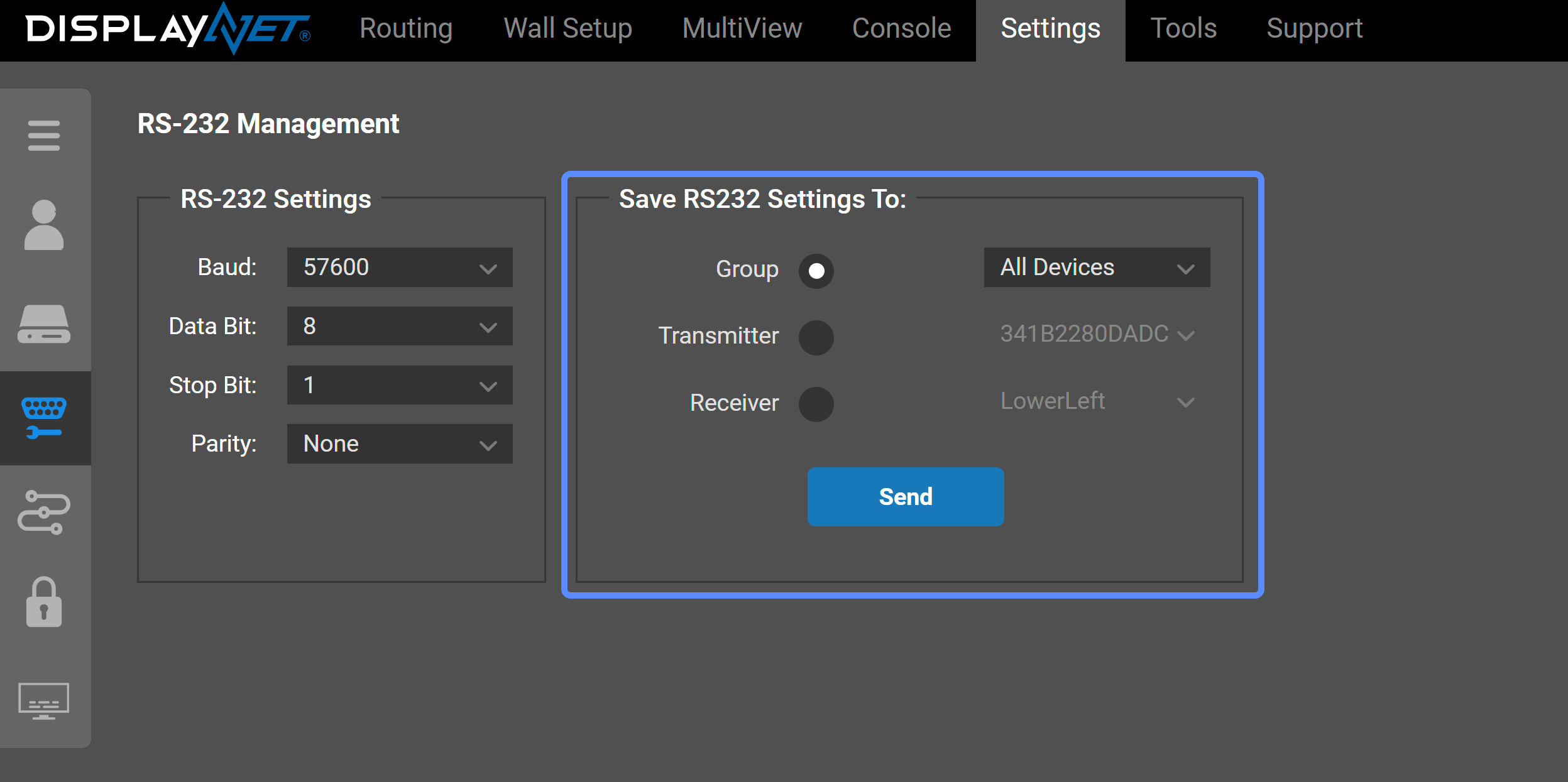
RS-232 Management
In order to communicate, all RS-232 devices along the signal path must use the same settings for Baud, Data Bit, Stop Bit, and Parity.
On the RS-232 Management Tab, system-wide RS-232 changes are configured. The RS-232 settings for the DisplayNet Transmitters and Receivers can also be changed individually on each device using the RS-232 / IR tab in the device settings rollup.
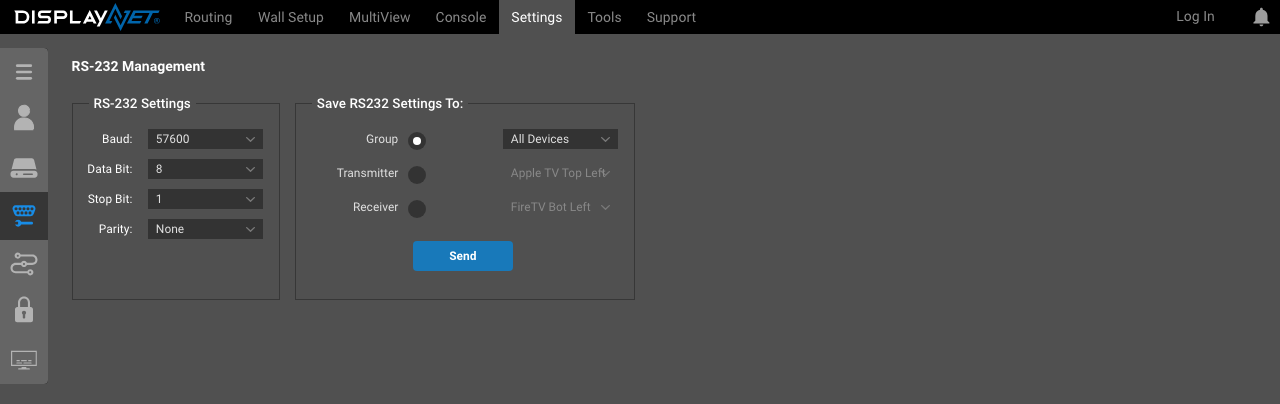
The details of the RS-232 settings are explained in the RS-232 / IR tab documentation.
In most cases, global RS-232 settings should be used instead of configuring RS-232 settings individually for each device. This ensures that all receivers and transmitters are using the same configuration. In any given RS-232 connection, both the receiver and the transmitter must use the same settings in order for data to be transferred correctly.
Before making any changes, please be certain to consult a qualified technician and make a note of the current settings.
RS-232 Settings
This panel can be used to adjust the RS-232 settings that will be assigned to the DisplayNet transmitters and receivers. The values entered here are applied when saving RS-232 settings to devices using the Save RS-232 Settings To panel explained below.
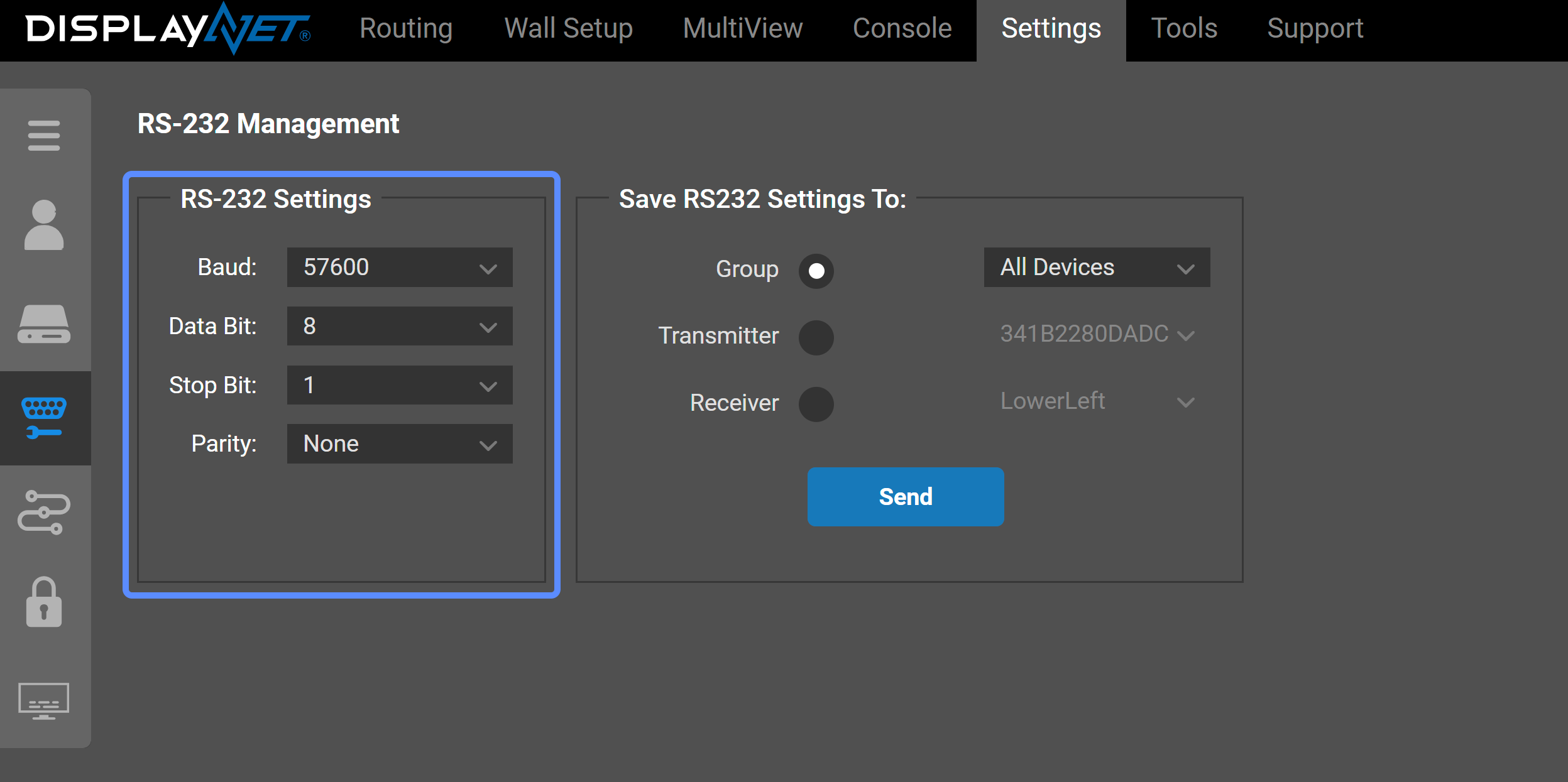
Save RS-232 Settings To:
The "Save RS-232 Settings To:" panel is used to save the previously entered RS-232 settings out to devices. The Group radio button allows for settings to be saved to All Devices, All Transmitters, or All Receivers, as selected in the adjacent dropdown menu. The Transmitter and Receiver radio buttons allow for the selection of individual Transmitter or Receiver devices, respectively. Use the radio buttons and the dropdown menus to select which device(s) to apply these settings to and then click "Send." A confirmation notification will appear once the settings are successfully saved to the chosen device(s).