
Login Instructions
Logging in to DisplayNet Manager
At the top right of the DisplayNet Manager, there is a "Login" button. Clicking this button will open a login modal window where you can enter your username and password to log in.
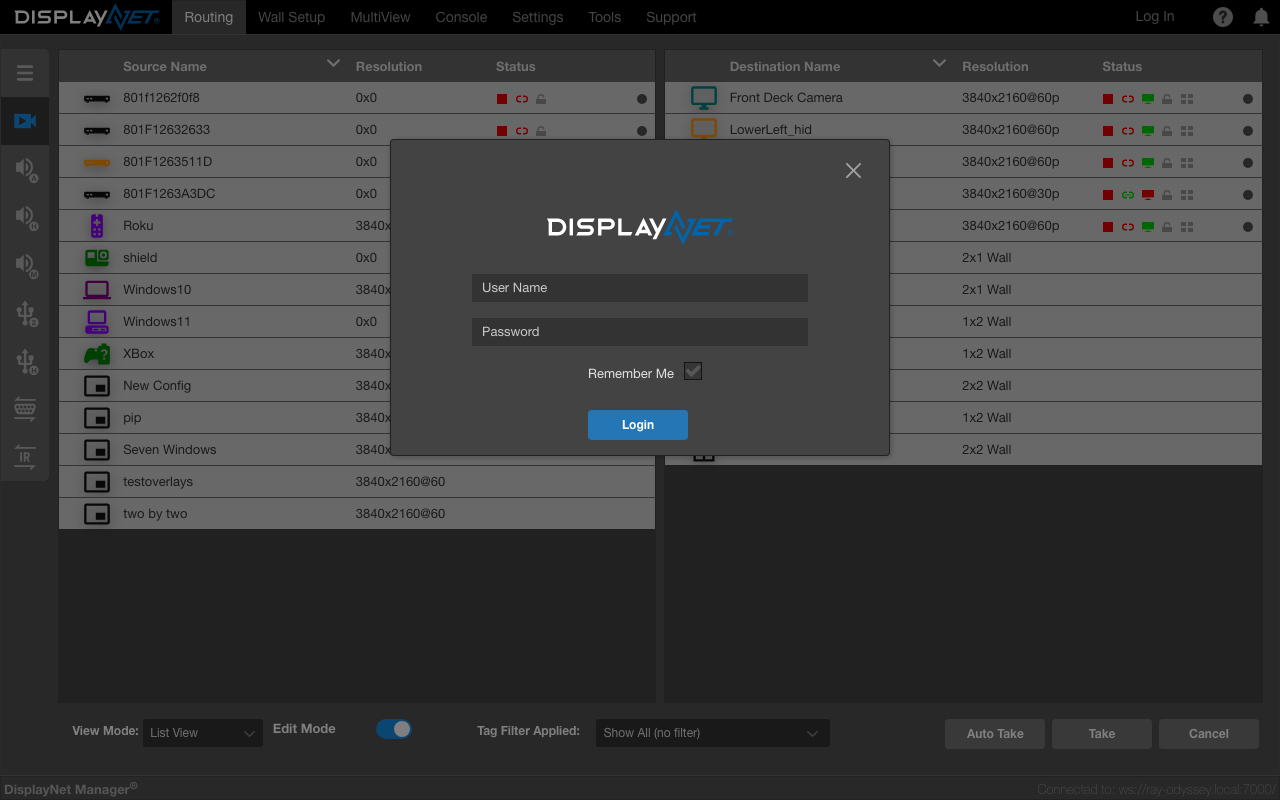
Entering a valid username and password will log you into DisplayNet Manager.
Logged in, means that the user is authenticated in the DisplayNet Engine via the API and has access to the system with the permissions of the role assigned to the user.
Authentication Required Login
If the "Require Authentication" toggle is enabled in the security settings, then users will be required to log in to DisplayNet Manager to continue using it.
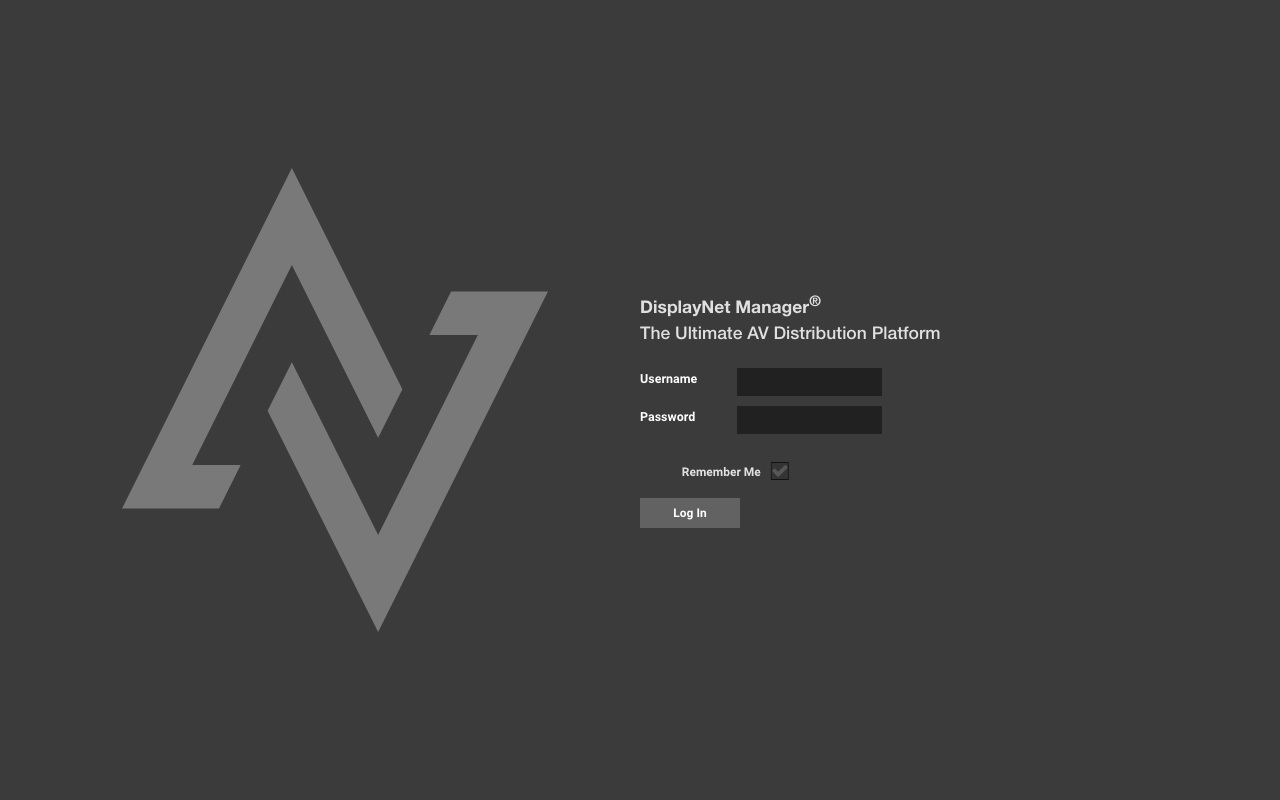
By default, users are not required to log in to DisplayNet Manager. The non-logged-in user is called "DisplayNet". The "DisplayNet" user's default role is that of "Integrator" which can be changed in the user management tab.