User Settings
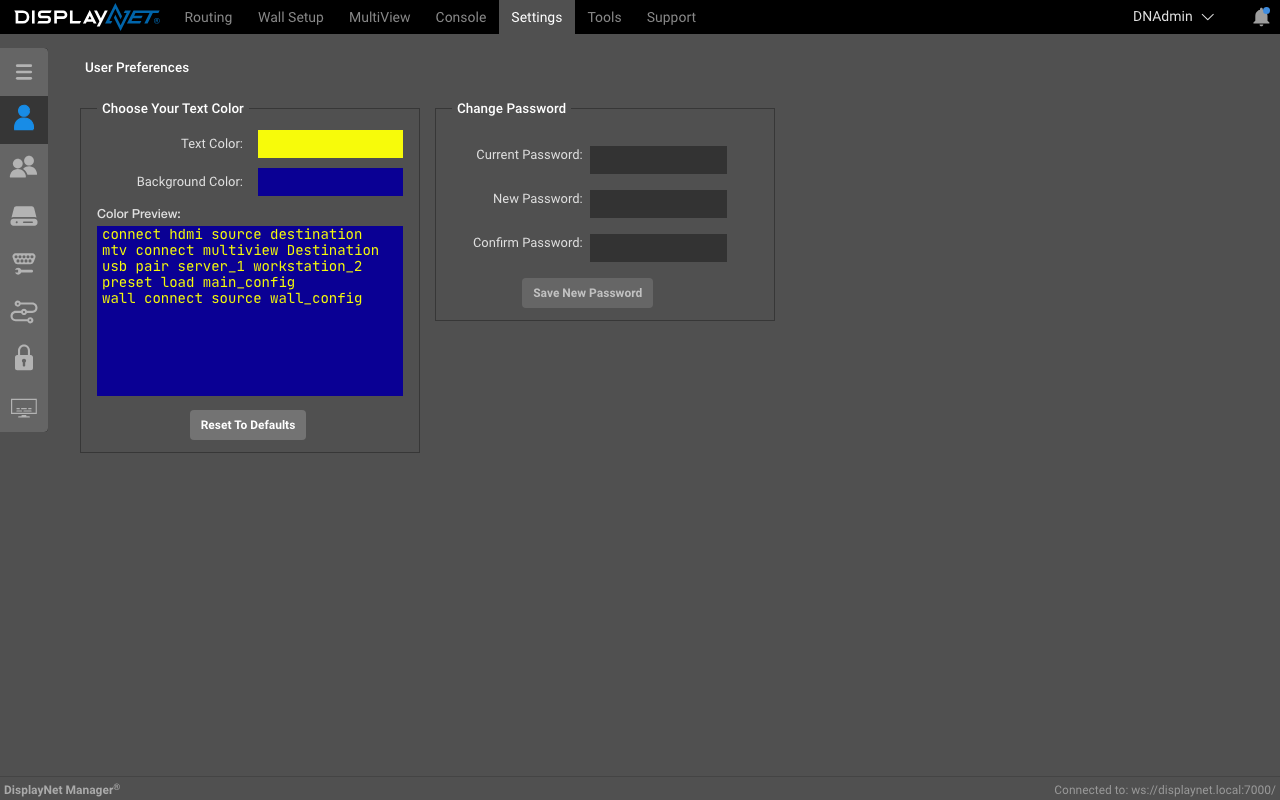
Various user preferences can be changed in the user settings tab.
Text Color
The text and background color of the console and script editor can be changed. To change the text color, click the "Text Color" button. To change the background color, click the "Background Color" button.
Change Password
For logged in users, the user password can be changed.