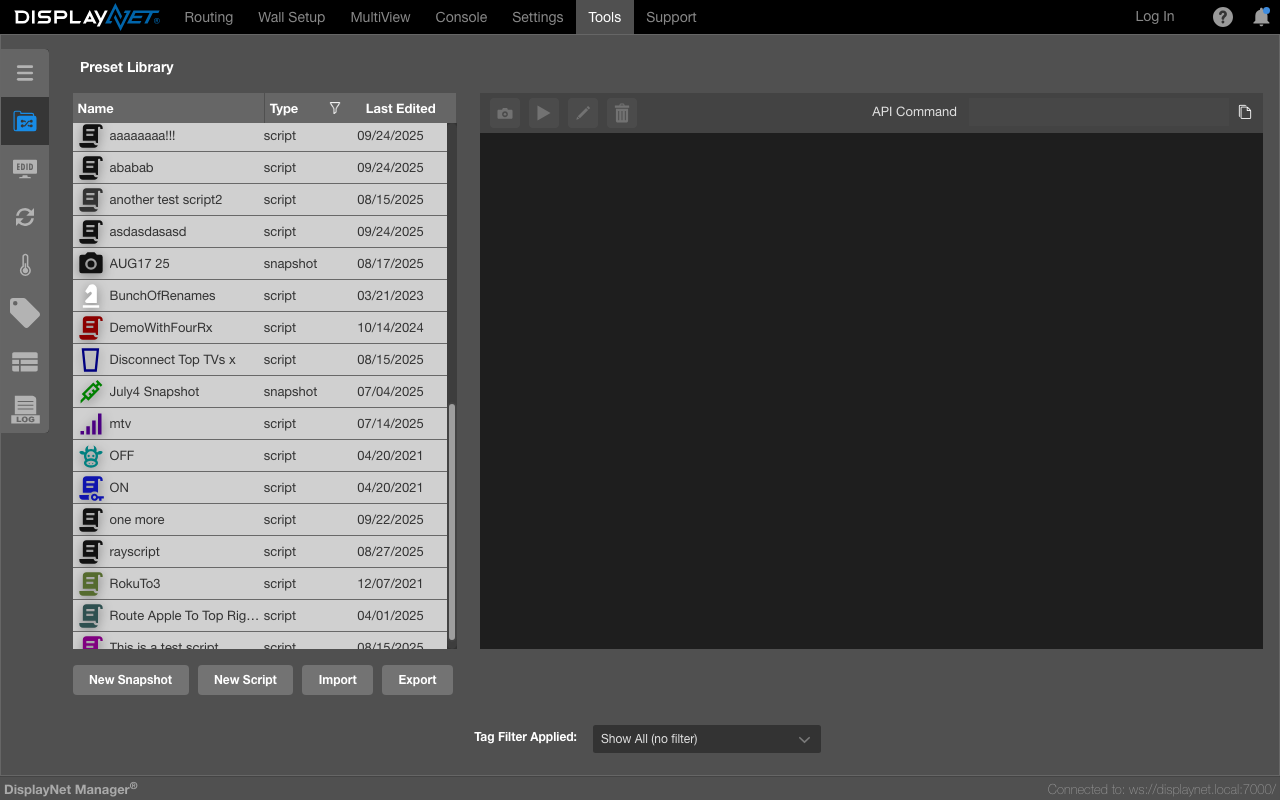
Presets
Presets enable the easy automation and management of different system states and configurations.
To navigate to the Preset Library, click on the "Presets" sidebar option in the Tools Tab.
Preset Types
Presets in DisplayNet Server include Snapshot Presets and Script Presets.
Snapshots
The current system configurations can be saved as Preset Snapshots.
Scripts
Scripts of DisplayNet API commands can be generated and saved as Preset Scripts.
Preset Library
Presets are stored on DisplayNet Server and are managed in the Preset Library.
Icon Customization
Scripts and Snapshots support custom icons and colors using the shared icon library. See Icon Customization for detailed information on selecting icons and colors.