
Wall Display Modes
DisplayNet features 3 different Wall Display Modes as a part of its Advanced Video Wall functionality (Stretch, Crop, and Fit). These Wall Display Modes dictate how a video source is to be presented when the source aspect ratio does not match the aspect ratio of the video wall (for example, in the case of asymmetric video walls).
Stretch Mode
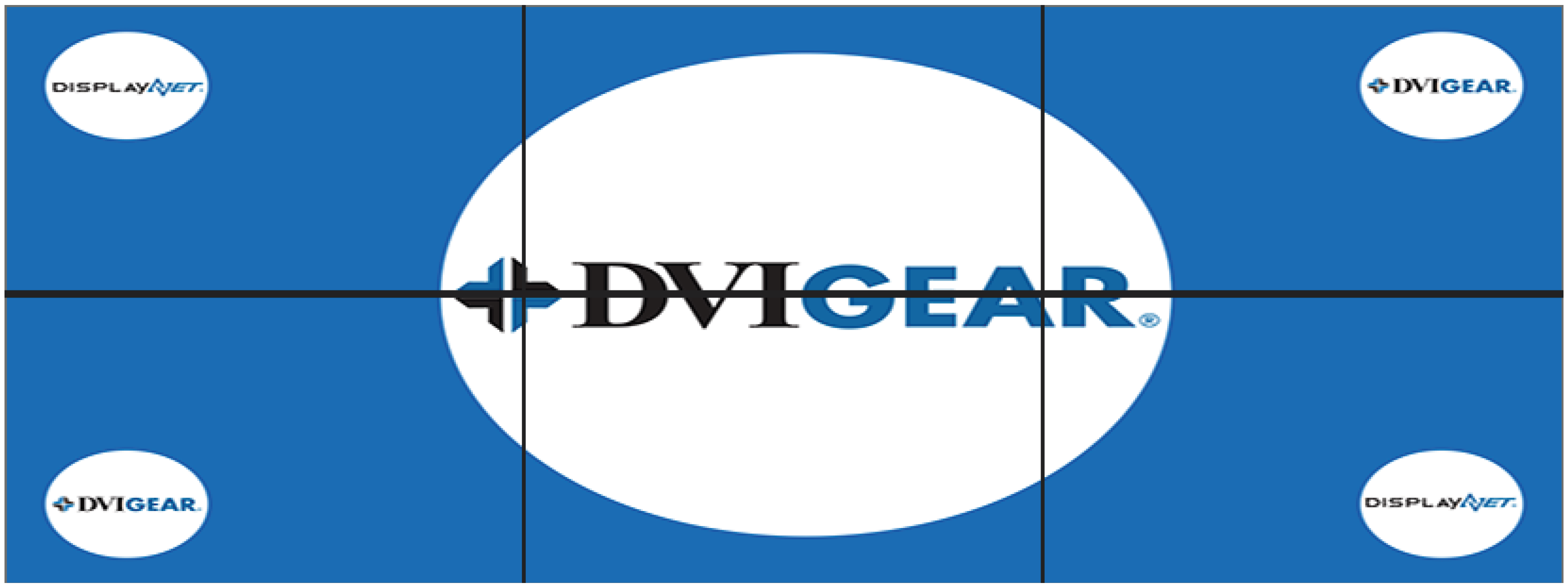
Stretch Mode stretches the image to fit the wall display. The image fills the whole area of the video wall, but may be distorted to meet the wall’s aspect ratio:
Crop Mode
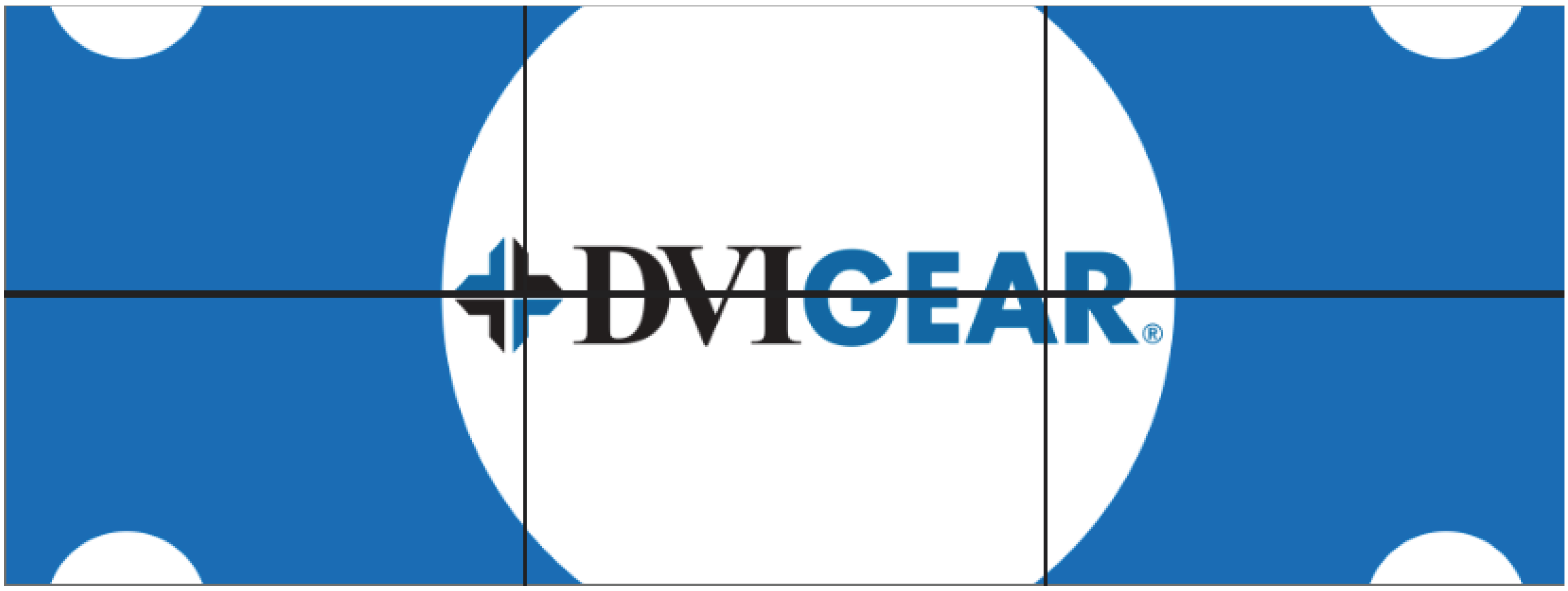
Crop Mode crops the source image to fit the wall display. The image fills the whole area of the video wall, and is presented in its original aspect ratio, with the edges cropped:
Fit Mode
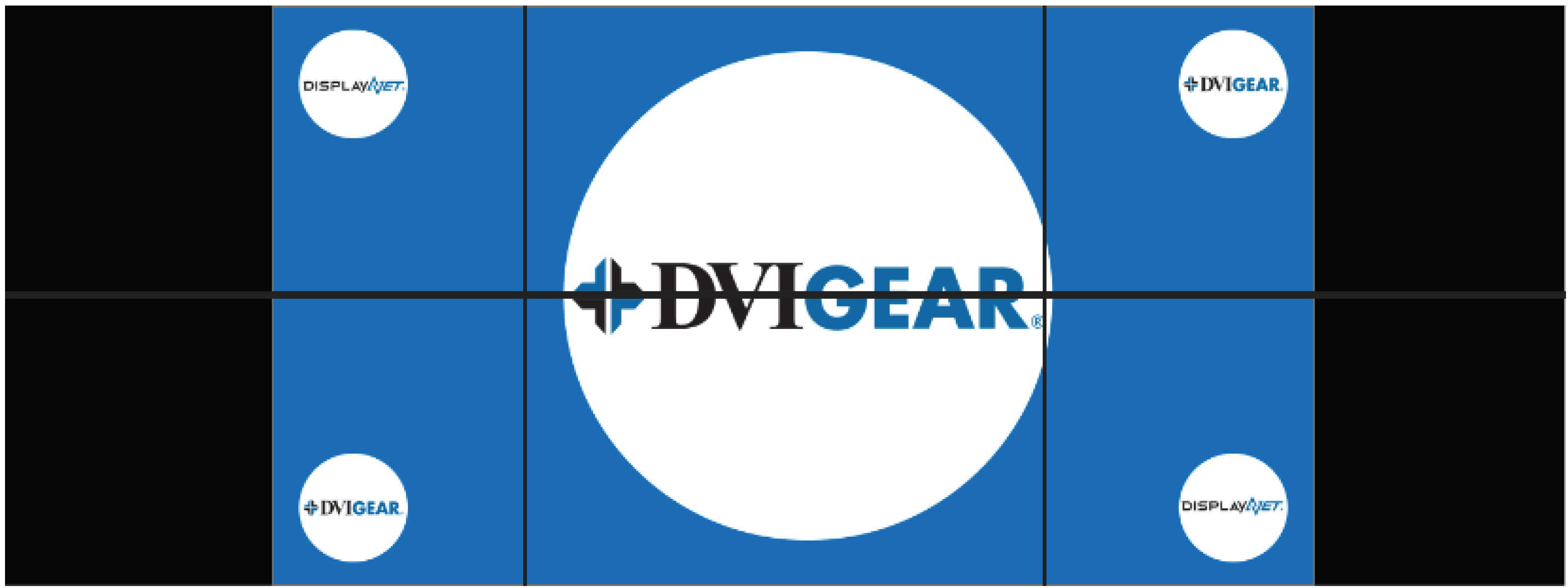
Fit Mode letterboxes the source image to fit the wall display. The image is presented in its entirety with no distortion, with black bars on the edges:
These modes enable the implementation of custom-built video wall applications, with the use of appropriately formatted source signals. Additionally, each of these modes may be used in either portrait or landscape configurations, allowing for walls both wider and taller than the native source signal aspect ratio.